How Multi-Camera Setup Improves Corporate Event Coverage
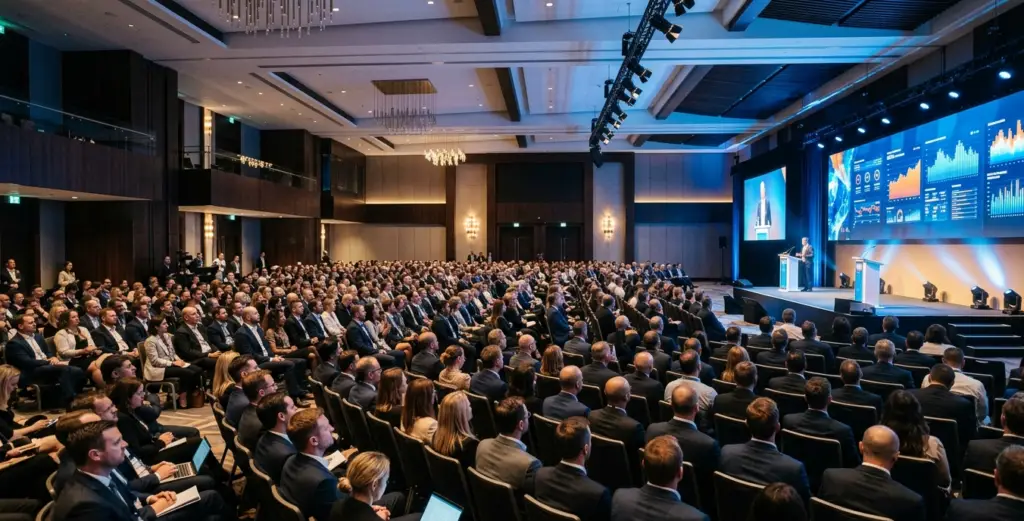
Planning a large business gathering involves dozens of moving parts: the venue, the agenda, the speakers, and the guests. But when the day finally arrives, one question often gets overlooked: who is capturing all of it, and from where? A single camera positioned at the back of the room might record the stage, but it will miss the audience reactions, the side conversations, the networking moments, and the energy that actually made the event worth attending. That is exactly where a thoughtfully planned camera arrangement change everything.
For businesses that invest in conferences, product launches, annual galas, or large-scale company events, the way visual content is captured directly affects how that event is remembered, reported, and reused.
Why One Camera Is Never Enough at Large Gatherings
Think about the last major business event you attended; a main stage, breakout areas, a registration zone, and countless conversations happening between sessions. One camera operator simply cannot cover all of it. A single static angle also produces flat, un-engaging footage. Recap videos, training materials, and social content all require visual variety, close-ups, wide frames, shifting perspectives, to hold a viewer’s attention.
Multiple cameras positioned across a venue solve both problems. Every speaker, every zone, and every unscripted moment has a dedicated lens on it, producing a richer and more complete record of what actually happened.
What a Multi-Camera Arrangement Actually Covers
Stage and Speaker Capture
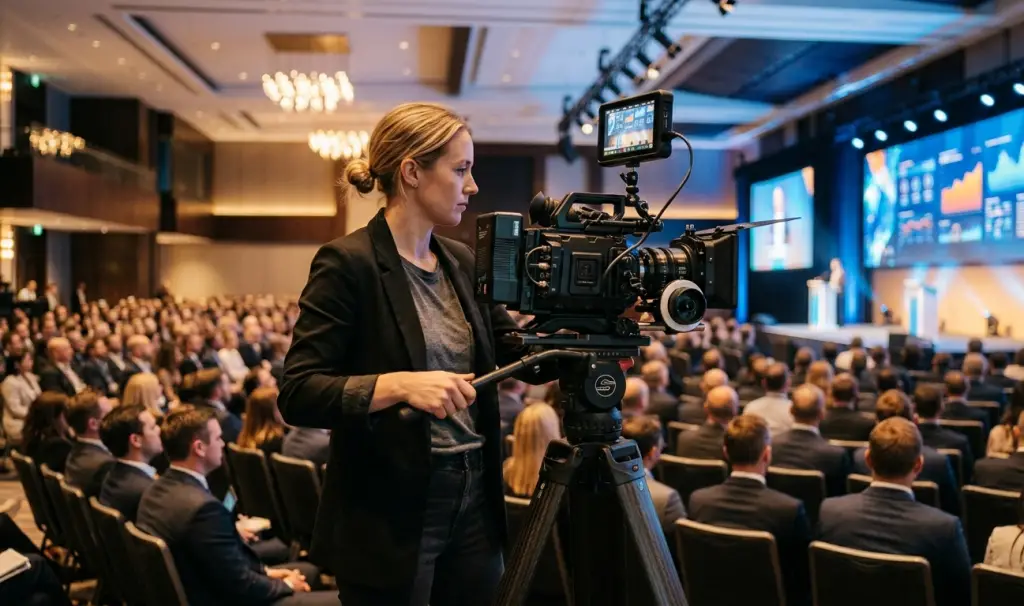
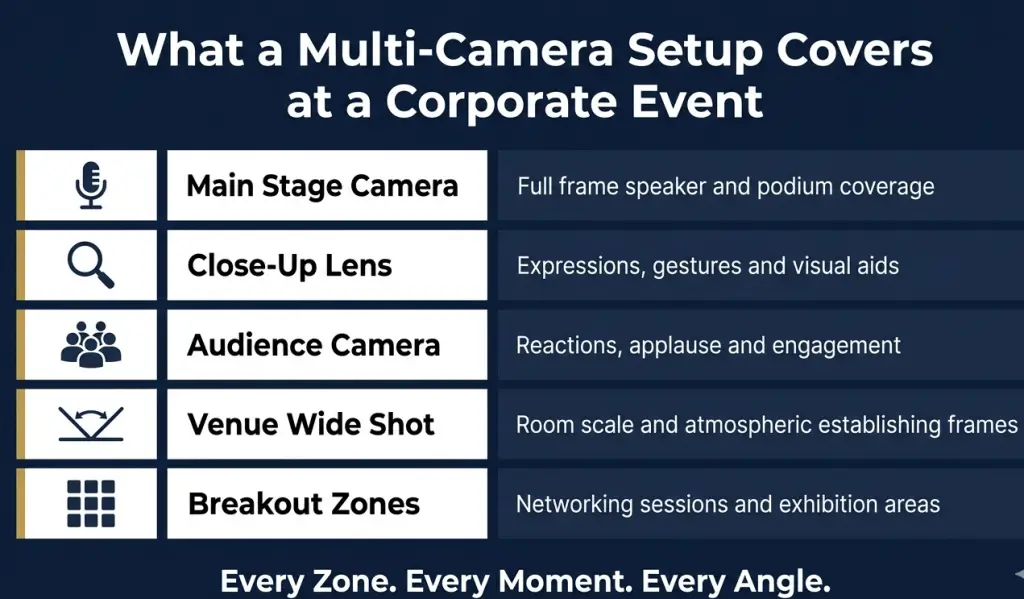
The primary camera captures the main presenter in full frame, while a second lens handles close-ups of expressions, gestures, and visual aids, creating the editorial foundation for any post-event edit.
Audience and Room Reactions
The camera facing the audience is often the most overlooked position. Applause, nodding professionals, and crowd responses are only captured if someone planned for that angle from the start.
Simultaneous Activity Across the Venue
Large gatherings rarely happen in one room. Dedicated operators across breakout sessions, networking zones, and exhibition areas ensure the full scope of your event is represented, not just the main stage.
The Role of Switching Between Shots in Post-Production
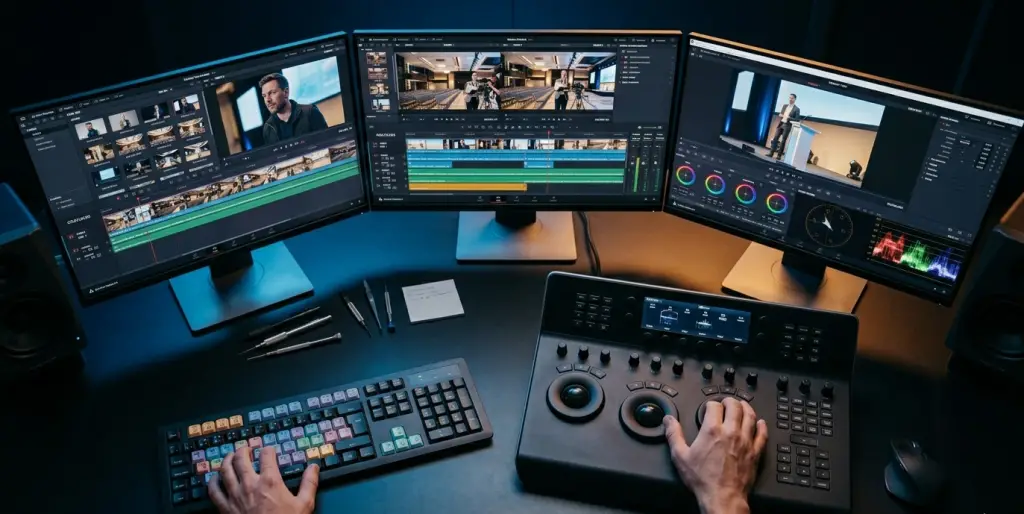
Capturing footage from multiple positions is only half the process. The real value is realised during editing, where an experienced team cuts between angles to build a narrative. A well-edited event video feels less like surveillance footage and more like a professionally produced documentary of your brand in action. This is also where wide venue coverage pays off. When editors have varied material to work with, the final output becomes genuinely watchable and re-purposable: internal training content, LinkedIn posts, website features, or stakeholder recaps.
Businesses across the UAE have increasingly recognised this value. The connection between professional corporate event photography and videography and measurable brand outcomes is becoming clearer with every well-documented event.
How Camera Placement Is Planned Before the Day
A professional visual production team does not arrive on the day and improvise. Effective camera coverage begins with a pre-event venue walkthrough where the team maps sightlines, identifies obstructions, plans cable routes, and determines how many operators are needed without disrupting the guest experience.
Lighting conditions also heavily influence placement decisions. A camera positioned against a window without correct exposure settings produces silhouetted, unusable footage, while indoor venues with mixed lighting require specific adjustments to maintain consistent colour across all angles.
This level of pre-production planning is what separates a polished event record from a collection of blurry, disconnected clips.
Connecting Camera Coverage With Live Broadcast Needs
For many large business gatherings today, in-person attendance is only part of the audience. Remote participants, regional offices, international stakeholders, or media representatives often follow along digitally. In these cases, the camera arrangement does double duty, it captures footage for post-event use while simultaneously feeding a live broadcast.
This is where camera planning and real-time streaming for business audiences work in close coordination. The same multi-angle setup that produces great edited footage can power a live stream that gives remote viewers a broadcast-quality experience. Switching between angles in real time, managing audio feeds, and maintaining consistent visual quality across all outputs requires a team that handles both production disciplines together.
Businesses that plan ahead and integrate both needs into a single production workflow avoid the common mistake of treating them as separate projects with separate teams, which often results in lower quality on both ends.
What to Look for When Hiring a Visual Production Team in the UAE
Not every photography and videography team is equipped to handle large venue coverage with multiple operators. When evaluating options, look for teams that have documented experience with large-scale business events, that offer pre-event consultation as a standard part of their process, and that can demonstrate a portfolio of multi-angle event work.
At Dubai Fotographer, the approach to large business gatherings is built on technical preparation, experienced operators, and a genuine commitment to capturing every meaningful moment, from the opening address to the final handshake. The team works across Dubai, Abu Dhabi, Sharjah, and the wider UAE, handling everything from camera placement to final post-production delivery. When visual content is planned properly, it becomes one of the most valuable assets your event produces, long after the guests have gone home.
What It All Means
Large business gatherings are significant investments of time, money, and organisational energy, and the footage produced from them should reflect that. A single camera position captures a fraction of what happened, while a well-planned arrangement across the full venue captures the complete story. Whether your next gathering is an internal leadership summit, a client-facing conference, or a large public launch, the way it is visually documented will shape how it is perceived for months and years to come.
Frequently Asked Questions
1. How many cameras are typically used at a large corporate event?
Most large business gatherings work best with three to six camera positions depending on venue size and the number of simultaneous activity zones.
2. Does using multiple cameras make post-event editing more complex?
It adds more footage to manage but gives editors the variety needed to build a far more engaging and watchable final video.
3. Can the same setup be used for both recording and live streaming at an event?
Yes, a properly planned multi-angle arrangement can feed both the recording system and a live broadcast at the same time.
4. How far in advance should a visual production team be booked for a large event?
Booking four to six weeks ahead is recommended to allow time for venue walkthrough, technical planning, and equipment preparation.
5. What types of business events benefit most from multi-angle camera coverage?
Conferences, product launches, award ceremonies, trade exhibitions, and any event where footage will be reused for marketing or internal purposes.